Visual records
Names, descriptions, quantities, categories, notes, values, and authenticated photos.


Space. Secure. Reachable.
Organize spaces, find items, scan labels, and share one secure inventory.
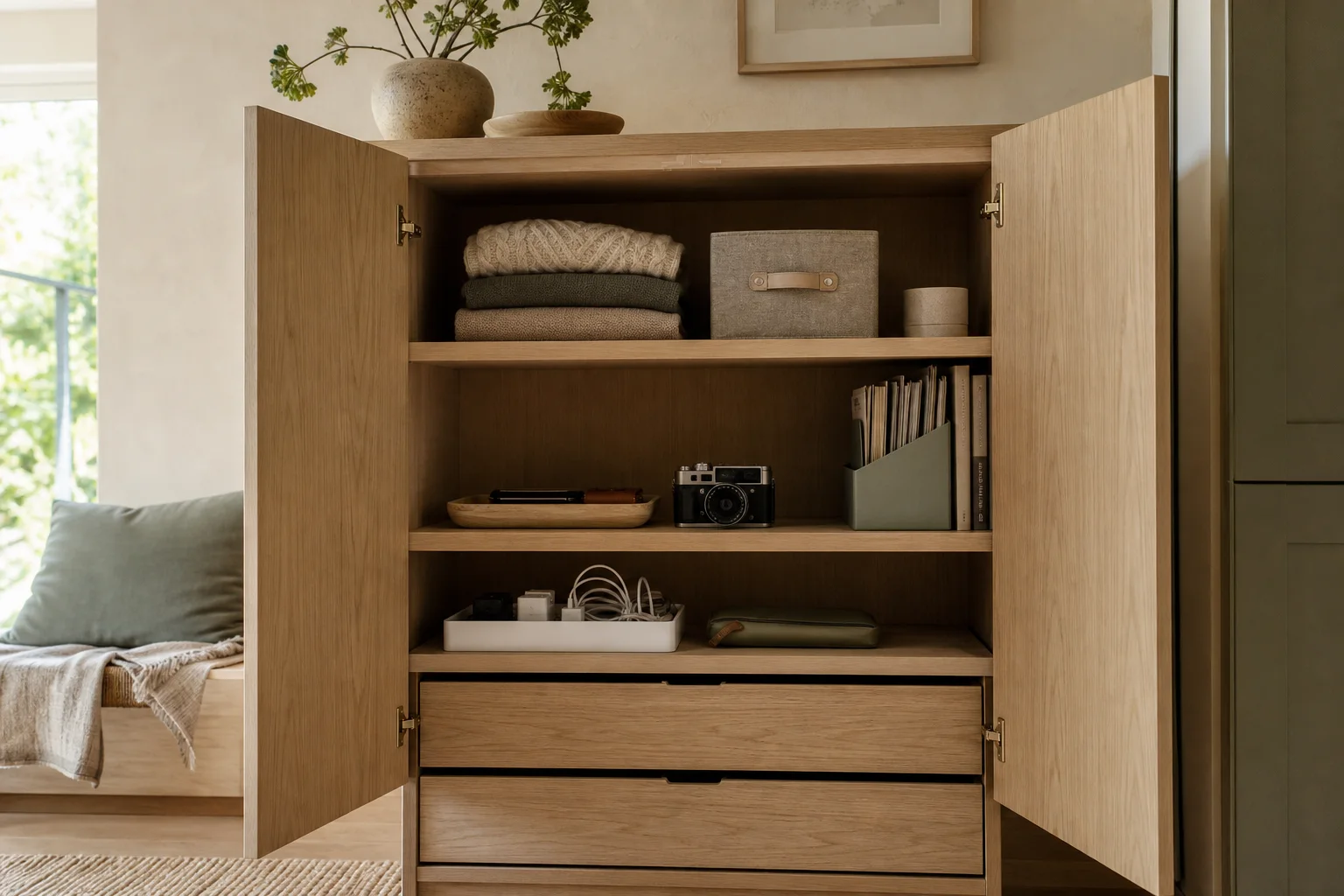
A space can be anything: a drawer, shelf, cabinet, closet, storage unit, or an entire room.
iPhone release first · Android planned
See the whole picture
One view connects every space, the items inside, and where each one belongs.
How it works
Start small, keep the useful detail, and let Cloud keep your authorized devices aligned.
1A drawer, shelf, cabinet, closet, unit, or room.
 2
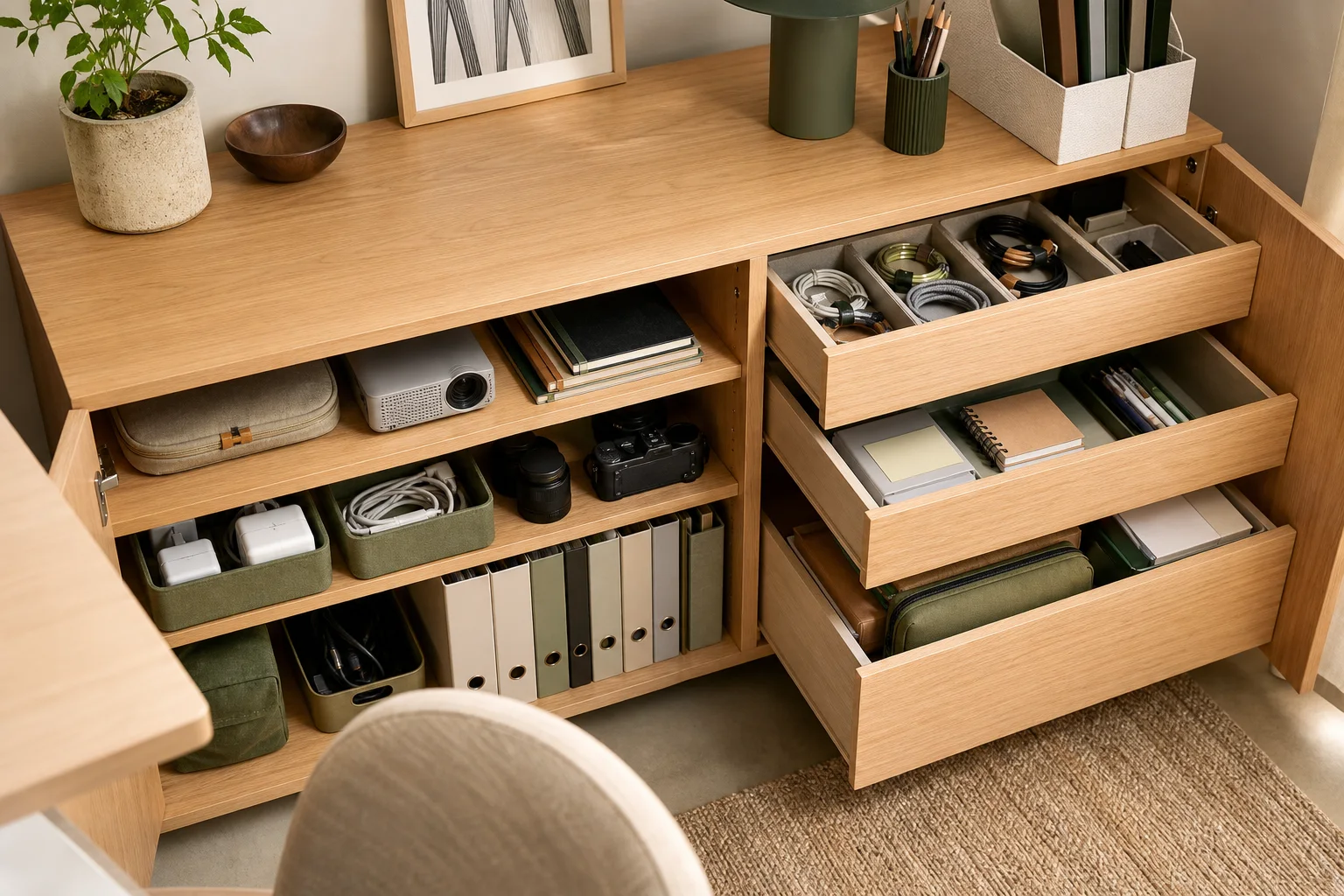
2Use photos and short names, then add detail only when it helps.
 3
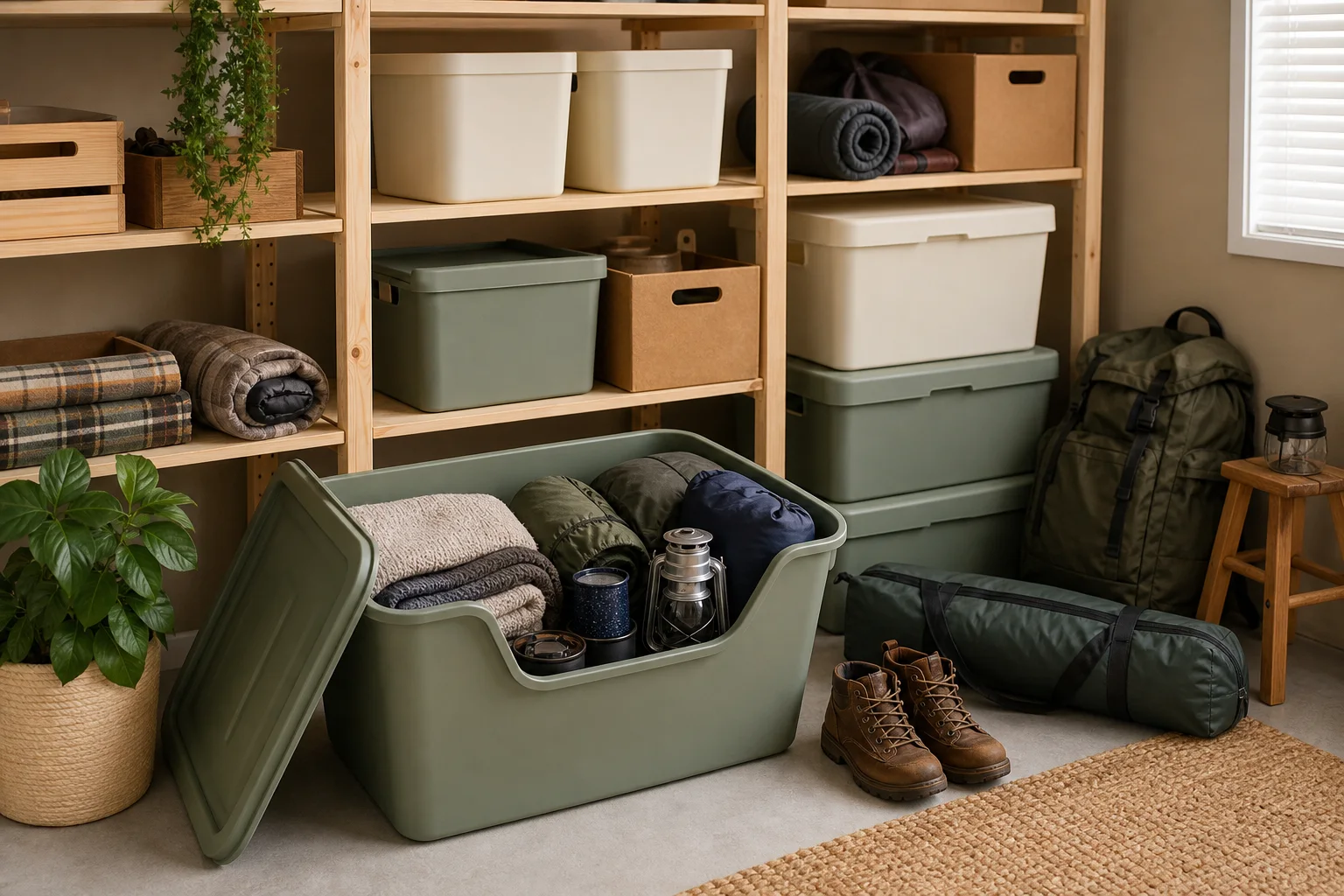
3Open the right record without checking every physical place.
One clear inventory
Rattib keeps the common action close and moves deeper work into focused screens.
Names, descriptions, quantities, categories, notes, values, and authenticated photos.
Quick Add helps you photograph and prepare several items before a clear review.
Search across the inventory or scan a permanent QR identity to open one space.
Move full or partial quantities, track retrieved items, and keep related items together.
Invite an Owner to collaborate or a Guest to view, with access checked on every request.
Review additions, edits, movement, photos, sharing, and deletion events from Cloud.
Rattib + ChatGPT · Early access
Connect your Google-linked Rattib account to ChatGPT. Choose the Spaces and Outside Items it can read, then ask about your inventory. No editing, moving, or deleting.
Cloud without interruption
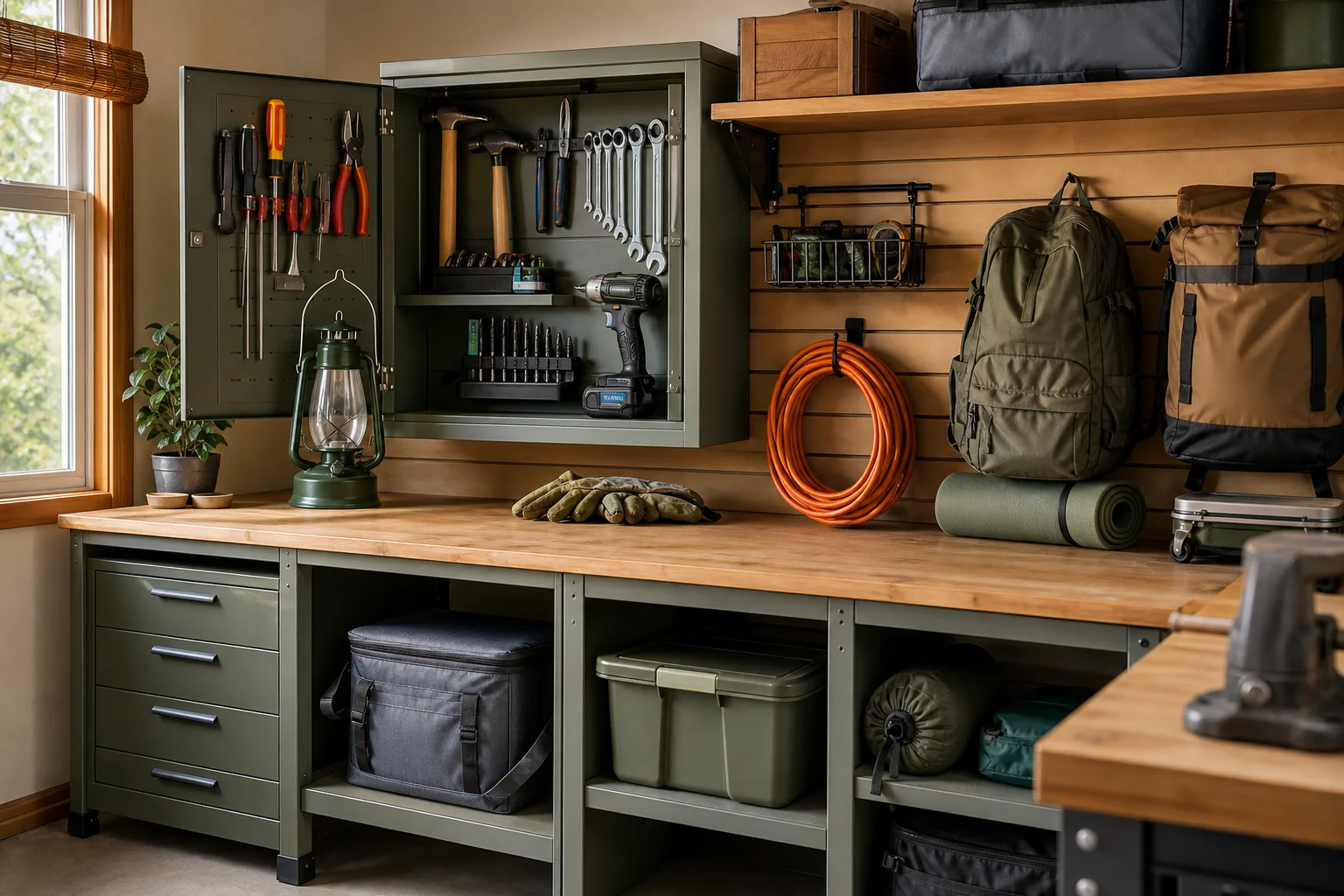
Not just containers
A Rattib space can describe one drawer or a whole storage location.
Privacy and control
Questions, neatly answered
Visit Support for setup, sharing, QR, movement, synchronization, and account help.
Yes. Rattib uses Sign in with Apple or Google so the same authorized cloud inventory can synchronize across devices. It does not offer a Rattib password.
Anything that helps you find items: a drawer, shelf, cabinet, closet, storage unit, entire room, or another place meaningful to you.
After a successful sync, encrypted metadata can remain visible as a read-only saved copy. Cloud remains authoritative: new changes wait until Rattib reconnects, and no offline mutation queue is created.
Each label carries a permanent unique identity for one space. Scanning opens the authorized record or offers a controlled access request; it never bypasses permissions.
Yes. Invite by Rattib username. Owners can edit and manage access; Guests are read-only.
No. This website provides product, support, privacy, security, and account-deletion information. Inventory remains in the authenticated mobile app.
Space. Secure. Reachable.
Rattib Inv is preparing for its public iPhone release. Android follows later.